
Introduction: A Small Room, A Big Decision
We walked into a huddle room at 9:01, only to find the agenda on the wrong door and the team split between floors. The digital name plate on the wall looked neat, yet it told us nothing useful at that moment. Many teams now switch to an e ink meeting room display to keep schedules live and clear. Industry surveys suggest a large share of meetings start late due to room mix-ups and stale signage; minutes lost add up to days each quarter. In fast-moving offices, a quiet screen with high contrast, low power, and real-time updates sounds ideal (and polite to your calendar). But is the upgrade truly better, or just different?
Dear reader, we will look at where the old methods falter, then compare the principles shaping the next wave. We will touch on practical issues like cost, power, and management—without jargon overload. Still, a few terms matter: PoE, OTA firmware, and edge computing nodes can make or break your deployment. Shall we? Let us unpack the core issues below and move thoughtfully to what comes after.

The Hidden Flaws Behind “Good Enough” Signs
Where do legacy options fail?
Let us be technical for a moment. Paper tags and off-the-shelf tablets seem simple. Yet they create silent friction. Paper needs constant reprints, and tablets need chargers, power converters, and daily care. LCD glare hurts readability, especially under bright lights. Also, pushing schedule changes by hand or via clunky apps slows teams. When a device sleeps to save battery, the update arrives late—funny how that works, right? Meanwhile, facilities juggle spare cables, lost adapters, and inconsistent brackets. The result is not only delay but also drift in ownership and accountability.
By contrast, an e-paper approach centers the display around a stable duty cycle, with low e-paper refresh rate and strong visibility. Updates can be timed to calendar events, handled by light edge computing nodes, and distributed via MQTT without heavy servers. Look, it’s simpler than you think. If the device is powered by PoE, you reduce battery swaps and gain stable uptime. With OTA firmware, you patch once across the fleet, not device by device. The point is not “new for new’s sake.” It is about cutting failure modes you cannot see until a big meeting starts and the room sign is wrong.
From Pain Points to Principles: What’s Next
What’s Next
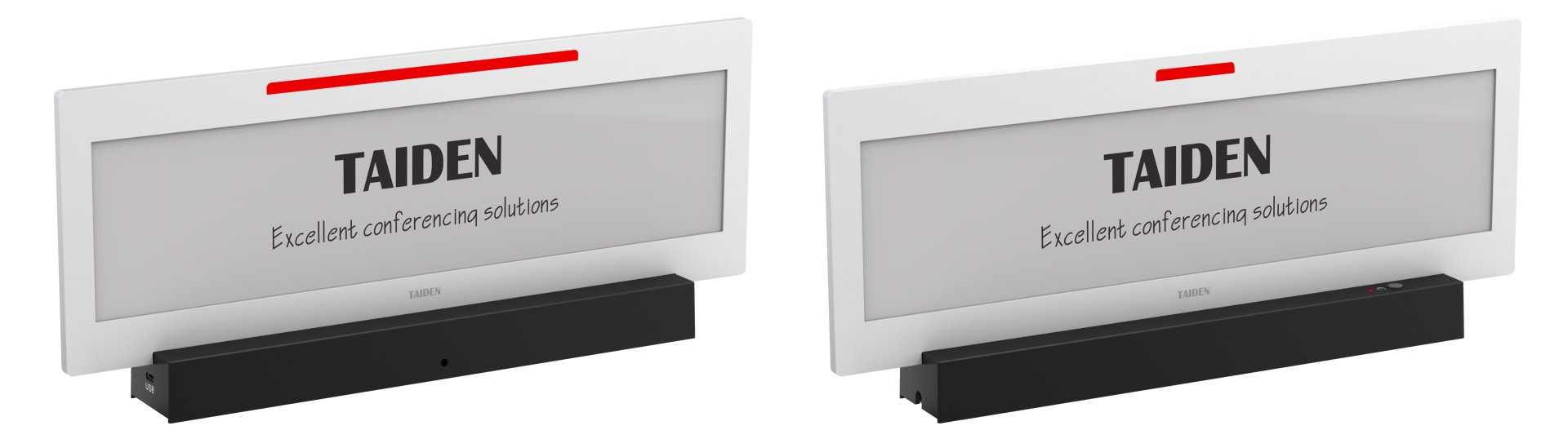
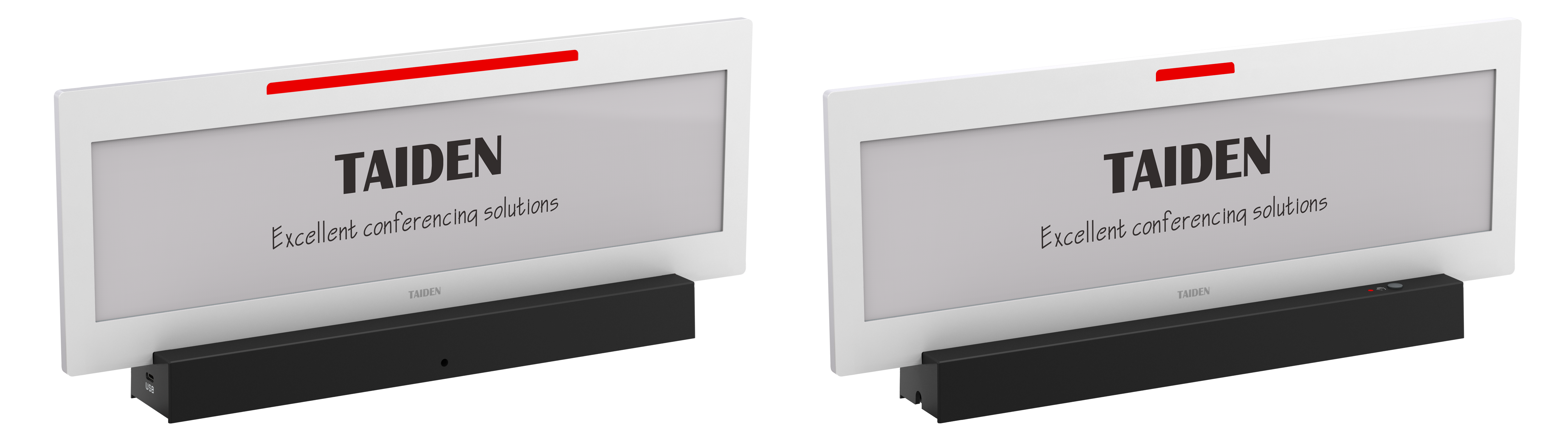
Now let us compare the road ahead. New systems align hardware, network, and workflow. E‑paper screens draw power only on change, not every second. That is physics—no magic, just charge and hold. PoE lines remove wall warts and add central control. BLE beacons can assist indoor wayfinding. And managed software uses rules to sync booking data to signs, then to conference table name plates for seat-level clarity. Against legacy LCD and paper, the principle is simple: accept lower power, higher contrast, predictable updates, and fleet‑wide patching. The result is calm screens, consistent rooms, and fewer calls to IT. In my view, this is a transition from “screens as gadgets” to “signage as infrastructure.”
Forward-looking teams also plan for lifecycle metrics. How many years to first service? Can we ship OTA firmware securely? Do we support MQTT, or must we poll HTTP all day? Small choices, big impact. To choose well, apply three checks. First, power model: measure real energy per refresh and confirm PoE options for critical rooms. Second, management plane: verify fleet controls, update frequency, and audit logs (no blind spots). Third, readability under stress: test contrast, font rendering, and distance legibility during a live meeting. If these pass in your pilot, the upgrade is ready—and your people will feel it, not just see it. Respectfully, that is where thoughtful digital naming becomes service, not decoration. TAIDEN