
Why this comparison matters now
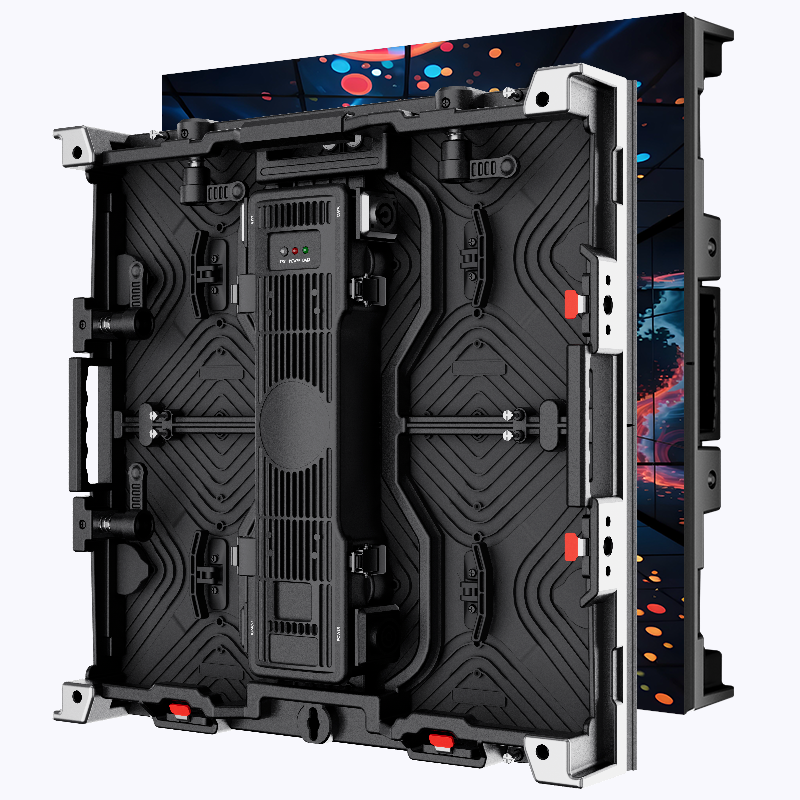
Comparative insight drives quick wins: deciding between a large LED screen and a compact microLED array changes campaign reach, cost, and creative choices. Corporate lobbies, atriums, and roadside placements each demand different trade-offs. Digital presence in physical space — like the high-impact walls in Times Square that draw more than 50 million visitors annually — shows how display choice shifts attention and recall. For many brands, the first step is choosing the right format for the message, whether that’s full-motion high-brightness digital billboards on the street or sleek in-building signage.
Head-to-head: LED screen vs. MicroLED at a glance
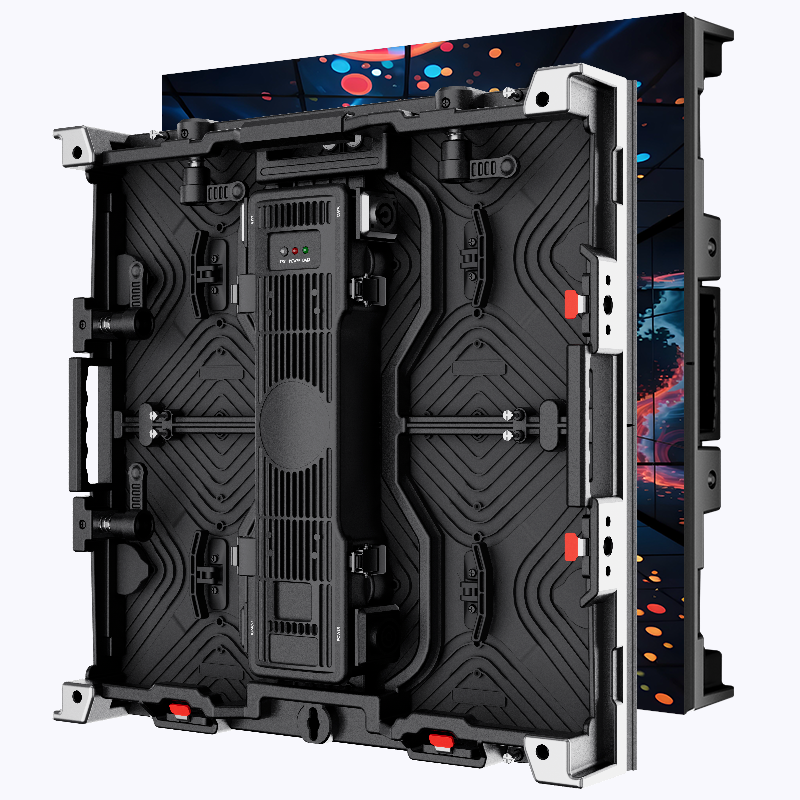
Think of this as performance testing. LED screens scale: big panels, powerful brightness (nits), and a forgiving pixel pitch that works for long viewing distances. MicroLEDs focus on density—tight pixel pitch, higher contrast, potentially better color accuracy and faster refresh rate—ideal where viewers stand close and expect detail. Each technology uses an LED matrix, but the final experience differs: one dominates size and cost-efficiency; the other shines in clarity and energy savings. Pick based on where people actually stand and what you want them to notice.
Where small digital billboard setups win
Small digital billboard units offer flexible placement and lower upfront civil works. They suit wayfinding, retail windows, or executive floors where content rotates frequently. A small digital billboard can be a testbed for messaging before committing to a larger campaign. They’re easier to integrate with a content management system and cheaper to update, which speeds A/B testing and localized creative swaps.
Tech trade-offs and common mistakes
Keep decisions grounded in three technical realities: viewing distance, ambient brightness, and content type. Vendors often push ultra-fine pixel pitch—tempting, but wasted if viewers are meters away. Conversely, buying oversized brightness (nits) for indoor use burns budget and may cause glare. Also avoid mismatching refresh rate and motion content; low refresh with fast video leads to blur. A common rollout mistake: prioritizing hardware specs over content workflow—if your CMS is clunky, the best display becomes an expensive poster.
Practical setup checklist
Use this compact checklist on installations — fast, actionable:
– Establish primary viewing distance and choose pixel pitch accordingly.
– Match brightness to environment: outdoors needs high nits; indoor needs range control.
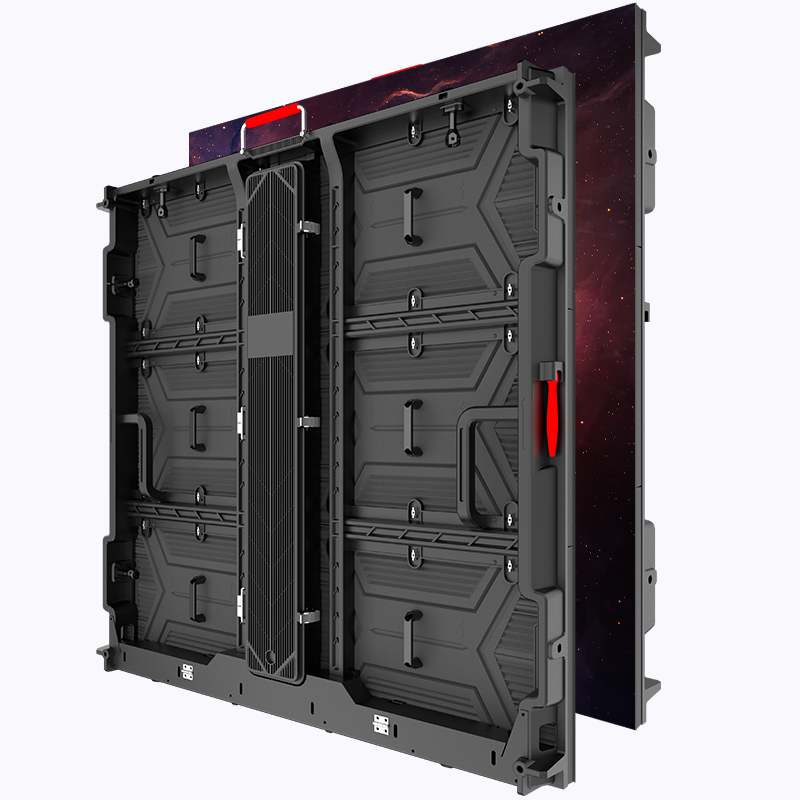
– Confirm refresh rate for motion-heavy ads and verify color calibration options.
– Ensure your content management system supports scheduling, remote updates, and fallbacks.
Content strategy and alternatives
Content drives value. For large LED screens prioritize bold typography, high-contrast visuals, and short loops. MicroLED and small digital billboard formats benefit from detailed imagery and subtle animation—viewers linger. Alternatives to consider: OLED for deep blacks in low-ambient zones, or projection for temporary activations. Each alternative has placement and maintenance trade-offs; pick the one that aligns with your campaign tempo and service capacity.
Common deployment pitfalls — quick reminders
Don’t overcomplicate. Don’t pretend one technology fits all. Budget for maintenance contracts; displays fail more often than planners assume. And coordinate with facilities early—power, mounting, and heat dissipation matter. —Small oversights in the beginning create major schedule slip-ups later.
Three golden rules to evaluate options
1) Audience Match: Measure the typical viewing distance and environment, then choose pixel pitch and brightness that delivers clarity without waste. 2) Operational Fit: Ensure the content management system supports rapid updates, regional targeting, and remote diagnostics—this saves time and keeps campaigns fresh. 3) Total Cost of Ownership: Compare upfront hardware cost, installation complexity, energy use, and service agreements. Factor in expected lifetime changes in content needs and the ease of scaling across locations.
Decisions land where technology meets workflow. When the goal is reliable rollout across corporate spaces, select the display that aligns with viewing behavior and operational muscle — then let the creative amp it up. Coblinks. —